The NSA says reboot your router. Keep Connect does it for you.
Federal agencies are urging every household to power-cycle their router regularly to flush out router malware. Keep Connect automates those reboots — and restarts your connection the instant it drops.
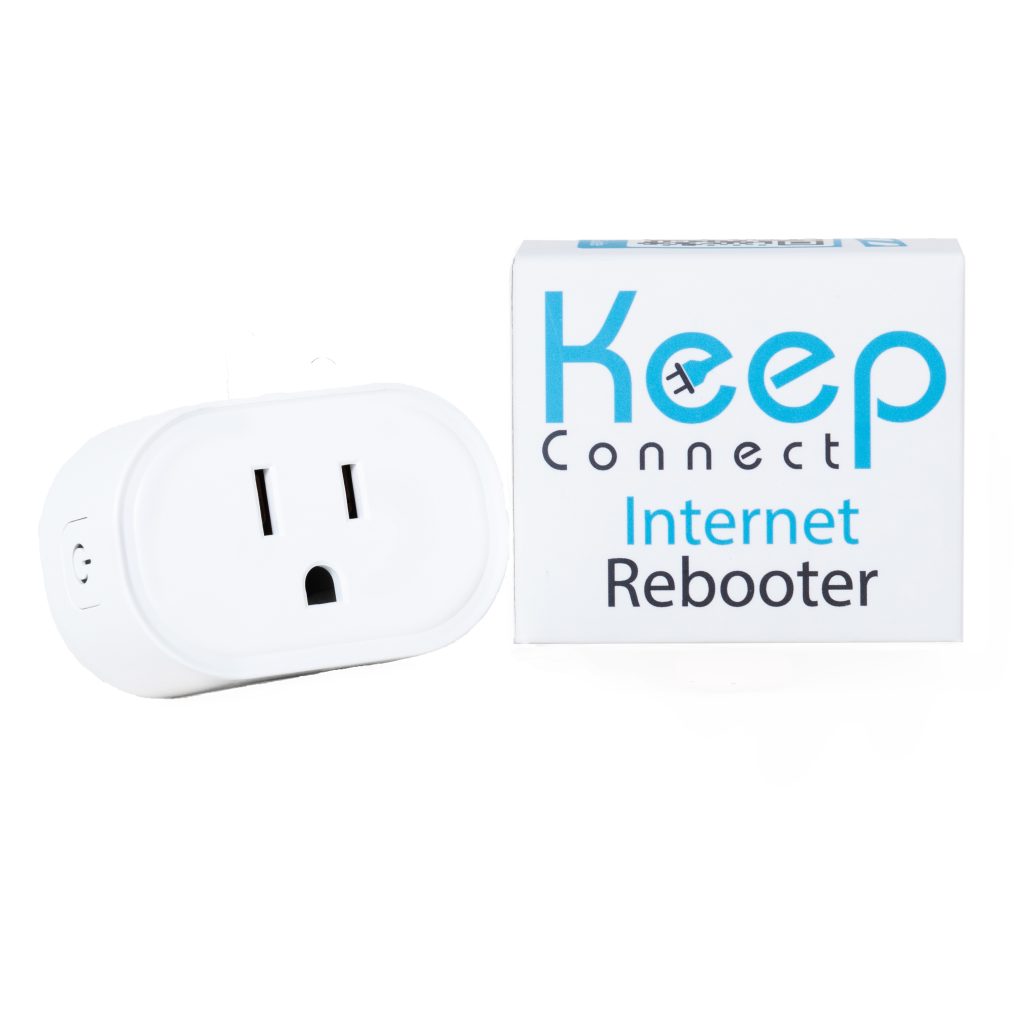
Why your router became a target
In April 2026, the U.S. Department of Justice and FBI announced they had disrupted a network of compromised home and small-office routers used by a Russian military intelligence unit. The NSA and FBI followed with public guidance for households.
The group behind it — Russia's GRU, tracked by security researchers as APT28 (also known as Fancy Bear and Forest Blizzard) — quietly exploits outdated, poorly-secured routers. One campaign targeted TP-Link devices through a firmware flaw (CVE-2023-50224), planting malicious code that hides in the router's memory.
Once a router is compromised, attackers can route their traffic through your home network, harvest data, and reach the devices connected to it — often without any visible sign that anything is wrong.
- Malware often lives in memory, leaving no trace on disk.
- Home and small-office routers are rarely patched or restarted.
- Most people never know their router has been hijacked.
"At a minimum, you should schedule weekly reboots of your routing device, smartphones, and computers. Regular reboots help to remove implants and ensure security."
— NSA, Best Practices for Securing Your Home Network"Don't be a victim!"
The NSA warns that malicious actors "may leverage your home network to gain access to personal, private, and confidential information."
A restart flushes out what's hiding in your router
Rebooting won't fix every problem — but it's a genuinely effective, no-cost defense that security agencies have recommended for years.
Clears memory-resident malware
Many router implants live only in RAM. A power cycle wipes memory and forces the malicious code to fall away.
Kills malicious connections
Rebooting drops the temporary connections attackers rely on, cutting off their foothold and forcing them to start over.
Buys time to stay patched
Regular restarts disrupt attackers while you apply firmware updates — the combination the NSA recommends together.
The catch: nobody remembers to do it
Unplugging your router every week — and waiting for it to come back — is easy to forget and annoying to do at 11pm when the Wi-Fi drops. That's exactly the gap Keep Connect was built to close.

Keep Connect automates the exact reboot the NSA recommends
Plug Keep Connect into the outlet, plug your router into Keep Connect, and it takes over. Set a recurring reboot schedule — weekly, nightly, or your own interval — and it power-cycles your router automatically, so you're always following the guidance without lifting a finger.
It also watches your connection around the clock. The moment the internet actually drops, Keep Connect reboots your router or modem to bring you back online — then texts or emails you that it happened.
- Scheduled reboots keep you compliant with the NSA's weekly guidance automatically.
- Outage recovery restarts your connection when it drops — even while you're away.
- Text & email alerts tell you exactly when a reboot happened.
Running in about five minutes
No hub, no subscription required, and no app to download. If you can plug in a lamp and open a web browser, you're done.
Plug it in
Keep Connect goes into your wall outlet; your router or modem plugs into Keep Connect.
Connect once
Join the Keep Connect Wi-Fi from your phone or laptop and open the setup page in any browser.
Set your schedule
Choose a recurring reboot — weekly is the NSA's minimum — and add your phone or email for alerts.
Forget about it
Keep Connect monitors 24/7 and reboots on schedule or on outage. That's it.
Setup happens in your browser
Everything configures over a simple web page — enter your Wi-Fi details, pick a reboot schedule, and choose how you want to be notified. Prefer to manage it remotely or across several locations? An optional Keep Connect Cloud plan adds remote access and ISP-outage notifications.
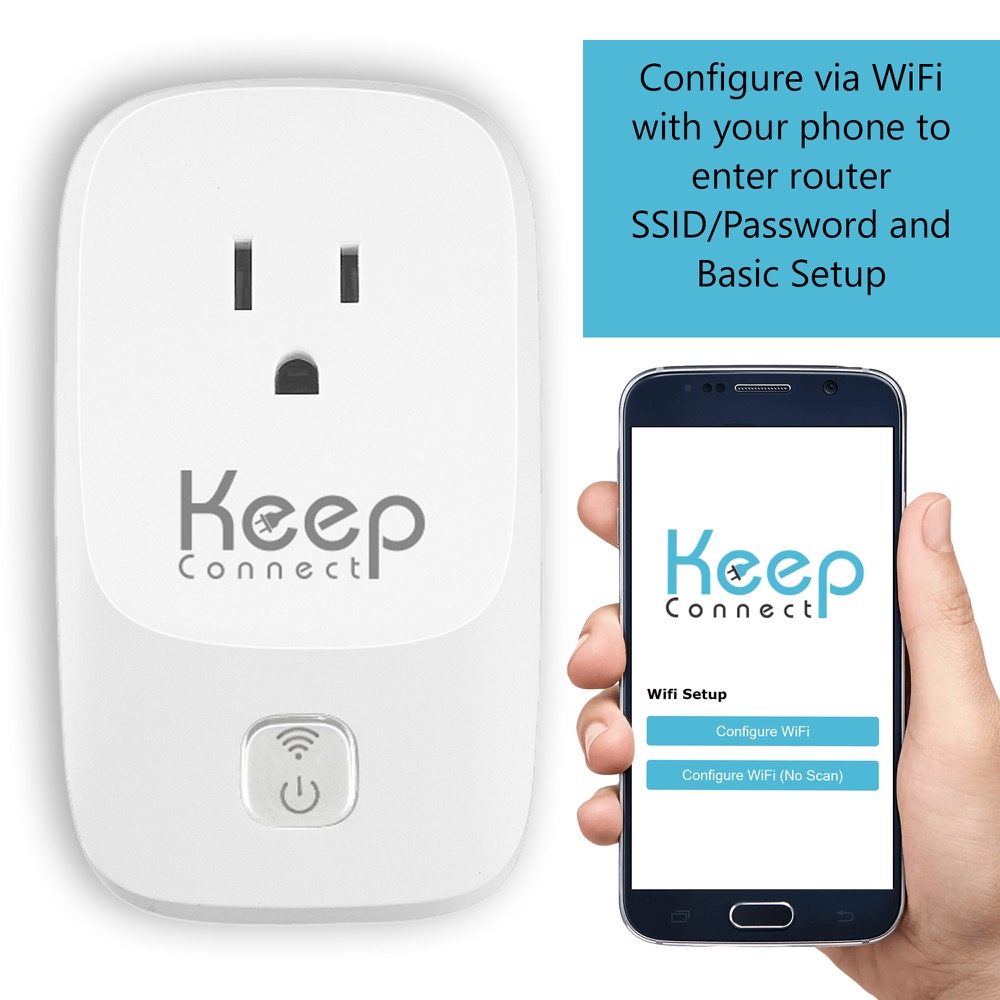
Two ways to stay online & protected
Both models monitor your connection and reboot automatically. Pick the compact everyday model, or step up to MAX for scheduled reboots and advanced monitoring.
Keep Connect
- Monitors your internet 24/7 and reboots on outage
- Compact design fits tight outlet spaces
- Text & email alerts on every reboot
- No app — browser setup in minutes
Best for apartments, small homes & smart-home setups
Keep Connect MAX
- Scheduled reboots — automate the NSA's weekly guidance
- Advanced monitoring — custom URLs & reboot rules
- Reboots router and/or modem
- Optional cloud for remote & multi-site control
★★★★★ 5.0 · Best for whole homes, remote & critical setups
| Feature | Keep Connect | Keep Connect MAX |
|---|---|---|
| Price | $49.99 | $74.99 |
| 24/7 connection monitoring | ✓ | ✓ |
| Auto-reboot on outage | ✓ | ✓ |
| Scheduled / recurring reboots | ✓ | ✓ |
| Advanced custom monitoring | — | ✓ |
| Reboots router & modem | Router or modem | ✓ Both |
| Text & email alerts | ✓ | ✓ |
| Optional cloud services | ✓ | ✓ |
| Footprint | Compact | Full-size |
| Best for | Apartments & small homes | Whole homes & business |
Prices and specifications shown reflect the Keep Connect store and may be updated there.
Built by Johnson Creative — trusted since 2018
Satisfaction guarantee
Covered by a limited warranty and satisfaction-guaranteed policy. Real support from a real U.S. company.
Free U.S. shipping
Free shipping on all products within the USA. Also available on Amazon, Walmart and eBay.
Rated 5.0 by buyers
Thousands of homes and businesses rely on Keep Connect to stay online 24/7/365.
Rebooting, security & Keep Connect
Does rebooting my router really remove hackers?
A reboot clears malware that lives in your router's memory and drops the temporary connections attackers use, which is why the NSA recommends regular restarts. It isn't a complete fix on its own — you should also update firmware, change default passwords and replace unsupported routers — but it's a proven, no-cost layer of defense. See the full checklist ›
How often should I reboot my router?
The NSA recommends weekly reboots at a minimum. Keep Connect can run that schedule for you automatically — or reboot more often if you'd like — so you never have to remember.
Do I need to install an app?
No. Keep Connect is set up entirely through a web browser — just connect to it once and configure your schedule and alerts. An optional cloud app is available if you want remote access.
Which model should I choose?
The compact Keep Connect ($49.99) is perfect for most homes and apartments. Step up to Keep Connect MAX ($74.99) for advanced custom monitoring, the ability to reboot both a router and modem, and whole-home or business setups.
Automate the reboot the NSA recommends
Stop unplugging your router by hand. Let Keep Connect handle the weekly reboots — and get you back online the moment your connection drops.